Documentation
Welcome to the A Gen Product Options docs.
Everything you need to add custom product options to your Shopify store, charge for paid add-ons and show them the way you want.
Popular:Getting startedOption typesStorefront displayTroubleshooting
New here?
Set up in three steps
- Install the appFrom the Shopify App Store. Installing sets up the cart function that charges add-on prices.
- Create an option setPick option types, add values and prices, and choose which products it applies to, with a live preview.
- Turn on the app embedSwitch it on in the theme editor and save. Options then appear on product pages that have an active option set.
Where to start.
The pages that cover most of what merchants set up in their first week.
- 01Getting startedInstall, create your first option set and turn on the app embed.
- 02Option typesEvery option type, what it's for and the settings it has.
- 03Add-on pricingFixed, percentage, per-field and per-unit prices, and how checkout charges them.
- 04Conditional logicShow options only when another answer or the variant matches.
Browse by topic.
17 pages, in the order you’ll need them.
Getting started1 page
Build options3 pages
Option types5 pages
Pricing2 pages
Storefront and orders3 pages
Reference and help3 pages
Learn by building one.
Step-by-step recipes with the exact fields to fill in.
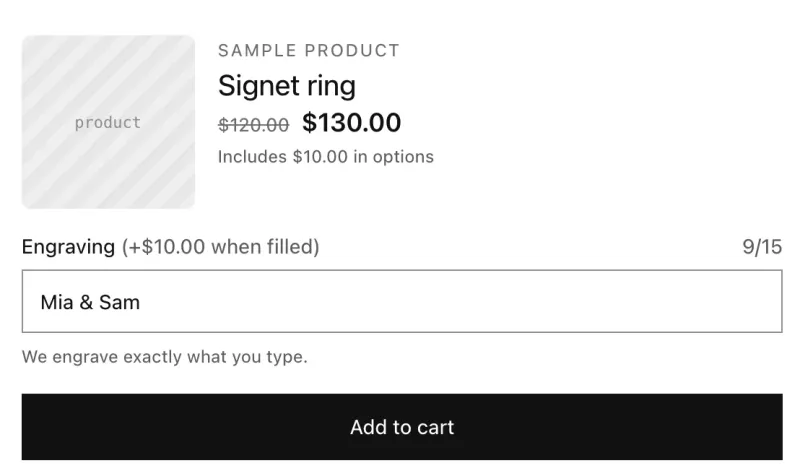 JewelryPersonalized engraving with a character limitA text field for engraving that charges $10 when it's filled in and stops at 15 characters.Single-line textFont picker
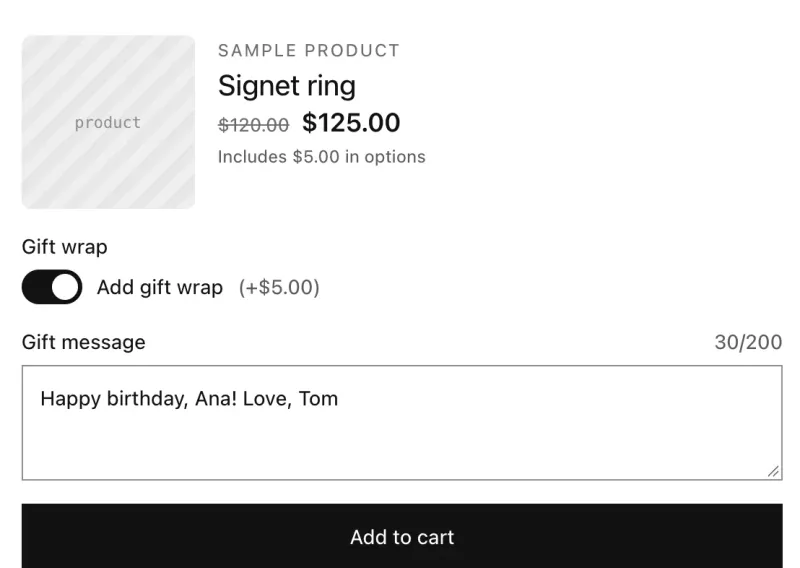 GiftingGift wrap with a gift messageA gift wrap switch that adds $5, and a gift message field that only appears when gift wrap is on.SwitchesMulti-line text
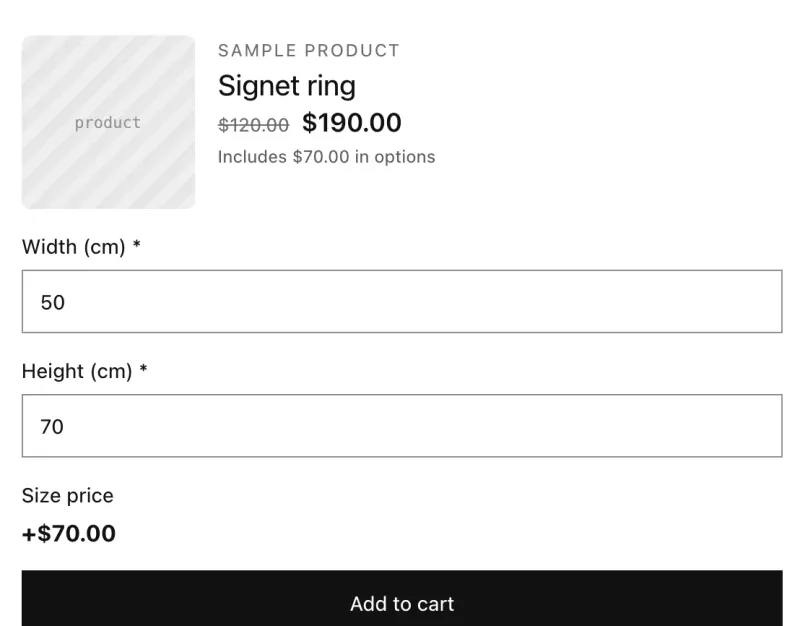 Made to measureMade-to-measure price calculatorCharge by size: width and height fields feed a price formula, with a minimum charge.NumberPrice formula