Tutorials
Recipes for popular product options.
Each tutorial builds one real setup, step by step, with the exact fields to fill in and what to check on your product page afterwards.
Every recipe includes
- The exact fields to fill inEvery label, limit and price, in the order you set them.
- What to check afterwardsA short list to try on your product page and in the cart.
- The docs it usesLinks to the reference pages behind each step.
Pick the closest one.
Start from a recipe, then change labels and prices to fit your product.
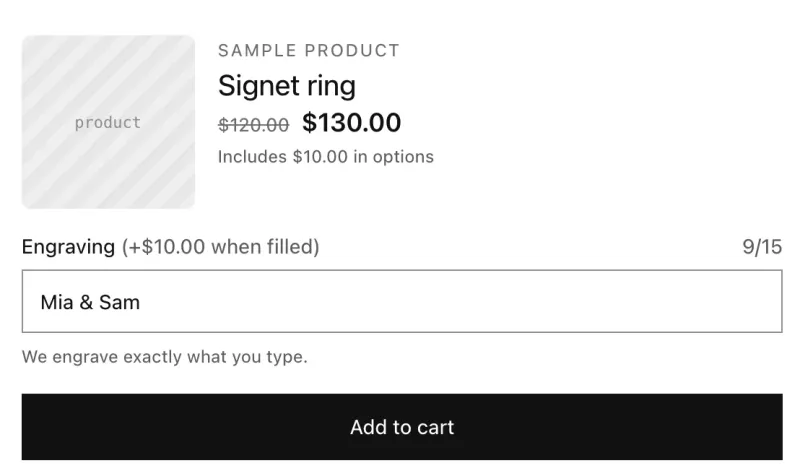 JewelryPersonalized engraving with a character limitA text field for engraving that charges $10 when it's filled in and stops at 15 characters.Single-line textFont picker
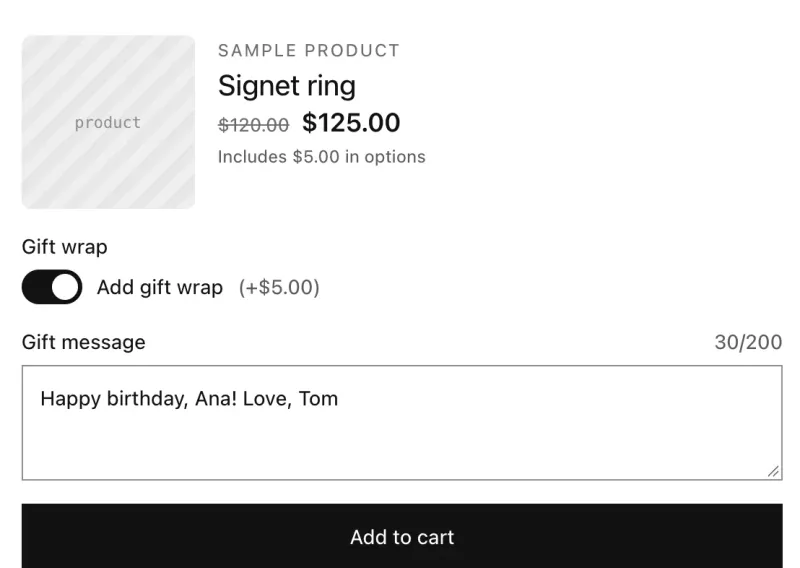 GiftingGift wrap with a gift messageA gift wrap switch that adds $5, and a gift message field that only appears when gift wrap is on.SwitchesMulti-line text
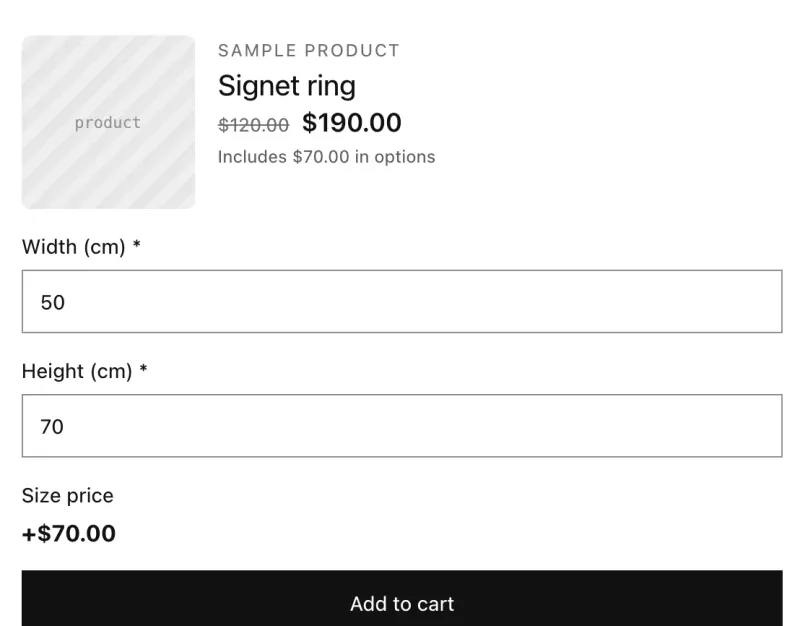 Made to measureMade-to-measure price calculatorCharge by size: width and height fields feed a price formula, with a minimum charge.NumberPrice formula
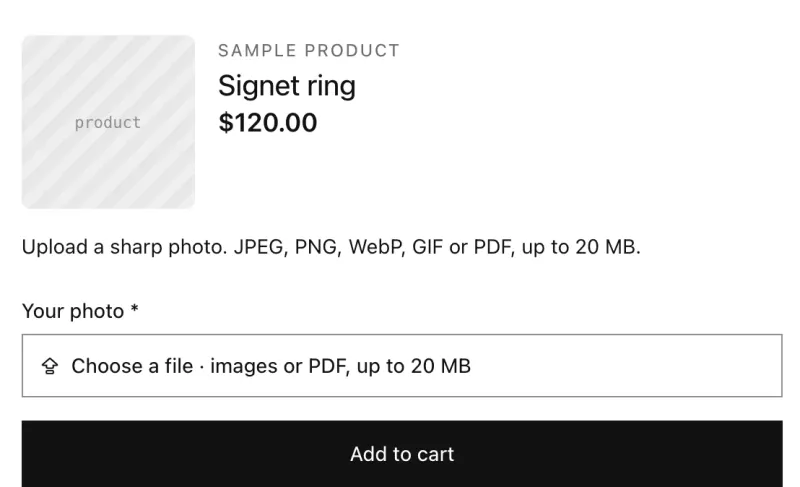 PrintCustomer photo upload for a printed productAsk for a photo before add to cart, explain what works best, and keep the file with the order.File uploadParagraph
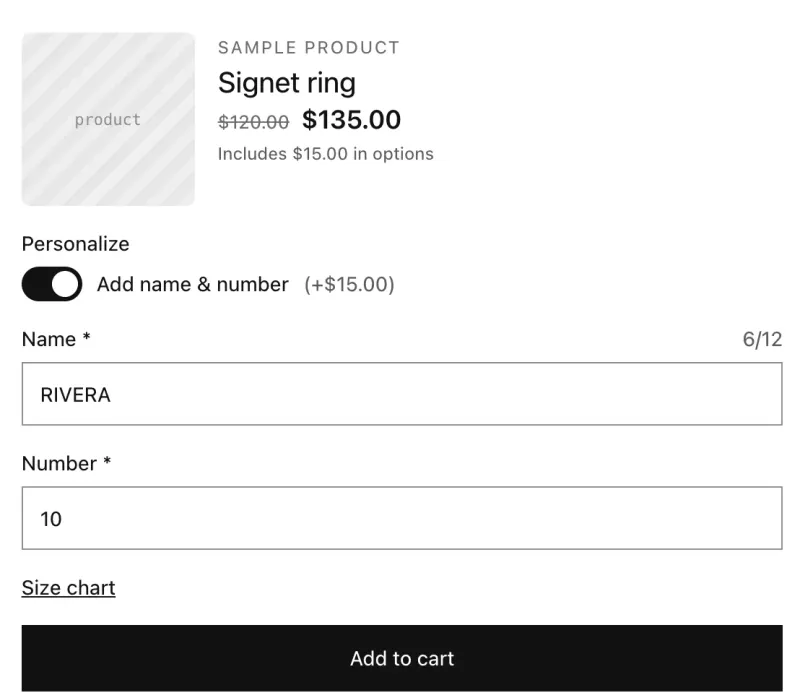 SportswearPersonalized jersey with name and numberName and number fields that appear only when the shopper adds them, with a shorter name limit for kids' fits.SwitchesSingle-line textIntegerPop-up
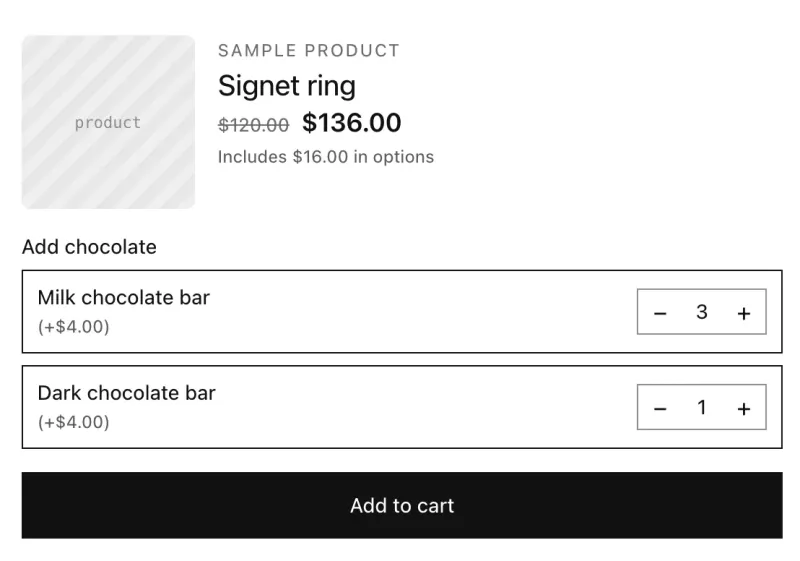 Food & giftsAdd-on extras sold by quantityLet shoppers add extras like chocolate bars at $4 each, with a quantity for each one.Add-on quantity
Building something that isn’t here?
All 32 option types are documented, with every setting they have.